
Original amounts
View currencies separately, so spending in dollars, euros, yen, or another currency stays clear.
 Expense Map
Expense Map · iPhone · iOS 27+
Capture a receipt, speak, or type an expense. Review the details, then explore spending by date, category, and place.
14-day free trial · $9.99 USD one-time unlock
No subscription · See pricing ↓
Inside Expense Map
Browse your expenses, explore spending patterns, and keep the original receipt. Tap any screen for a closer look.
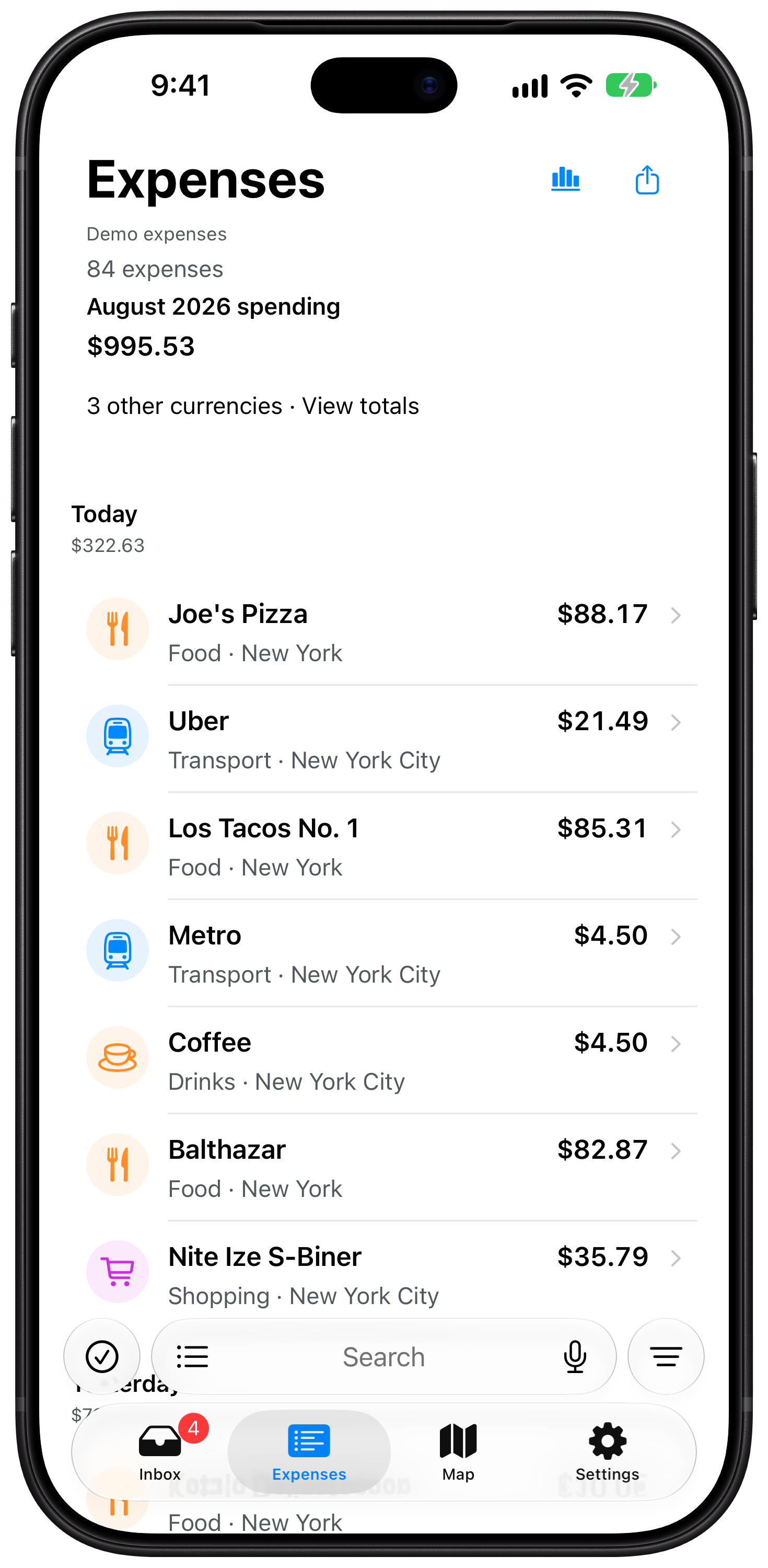
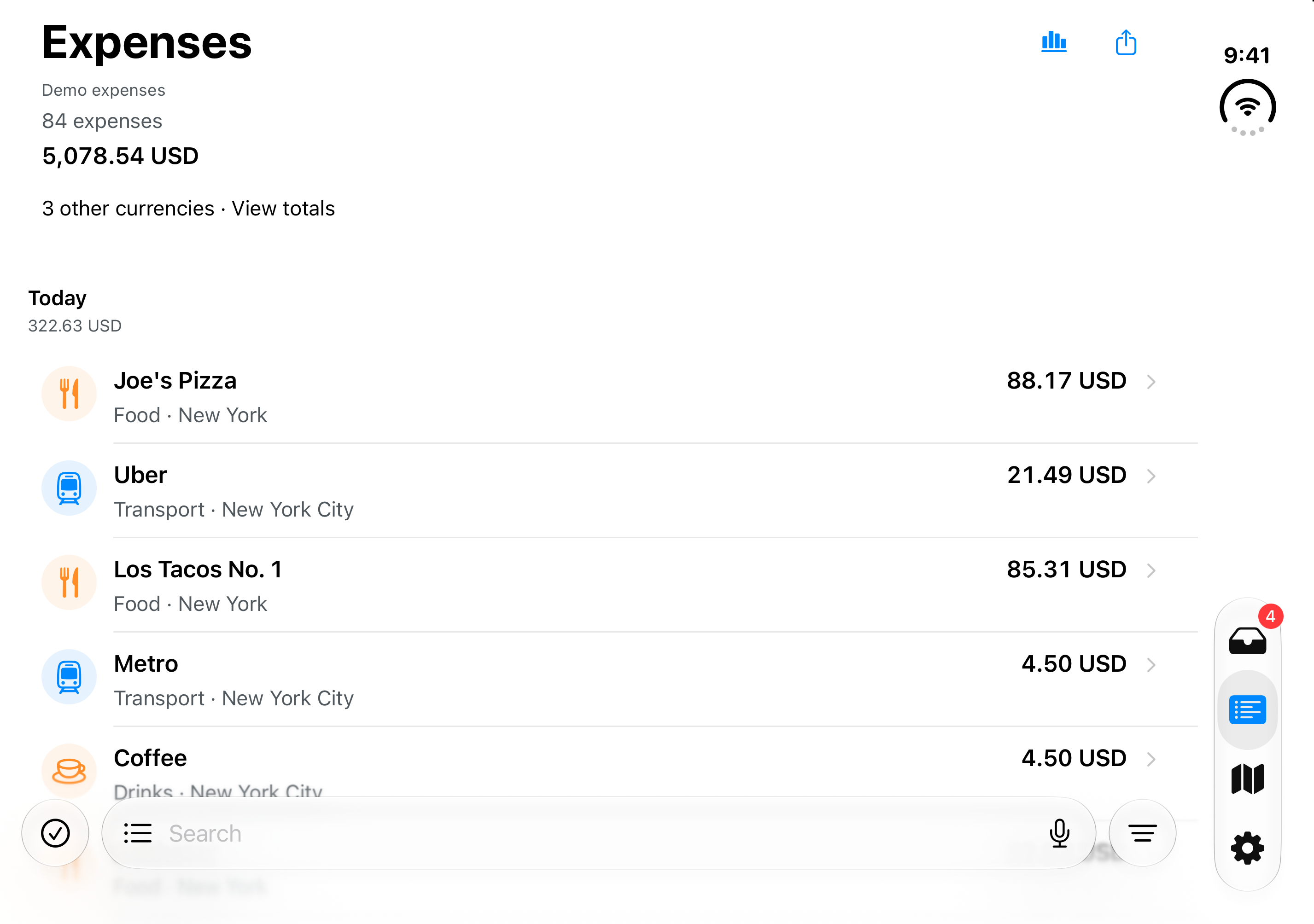
Browse by date and original currency, or search for a merchant.
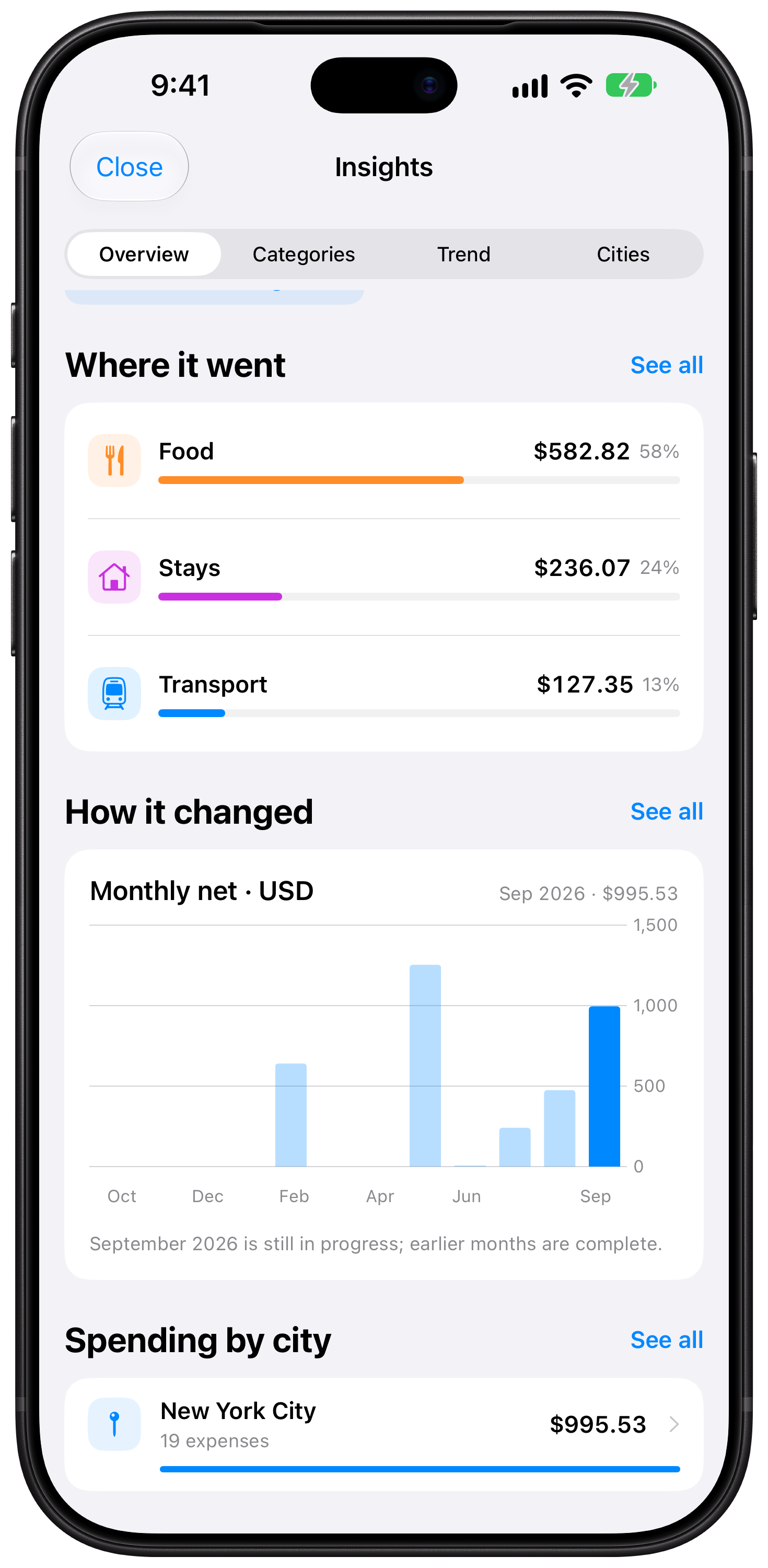
Explore categories, monthly trends, and spending by city.
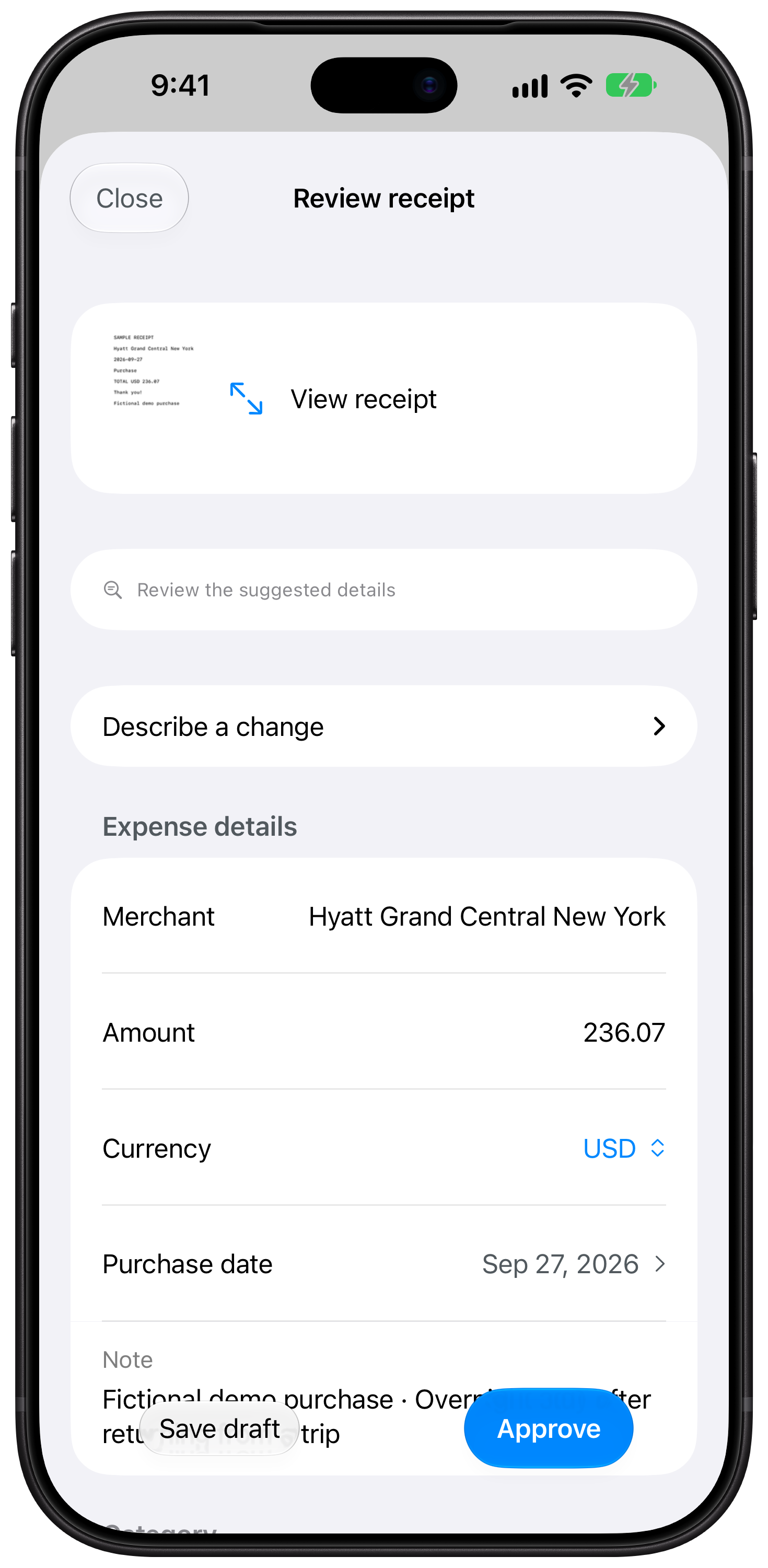
Check suggested details alongside the original before approving.
At home or abroad
A purchase keeps its original amount and currency. Choose how to view your spending without changing the record.
View currencies separately, so spending in dollars, euros, yen, or another currency stays clear.
Use saved exchange rates to see a report in your summary currency. Missing rates stay visible, so an incomplete total is never presented as complete.
From capture to a useful history
Capture naturally, check the proposed details, and move on. You decide what becomes part of your expense history.
Photograph or share a receipt, speak an expense, or type it in your own words.
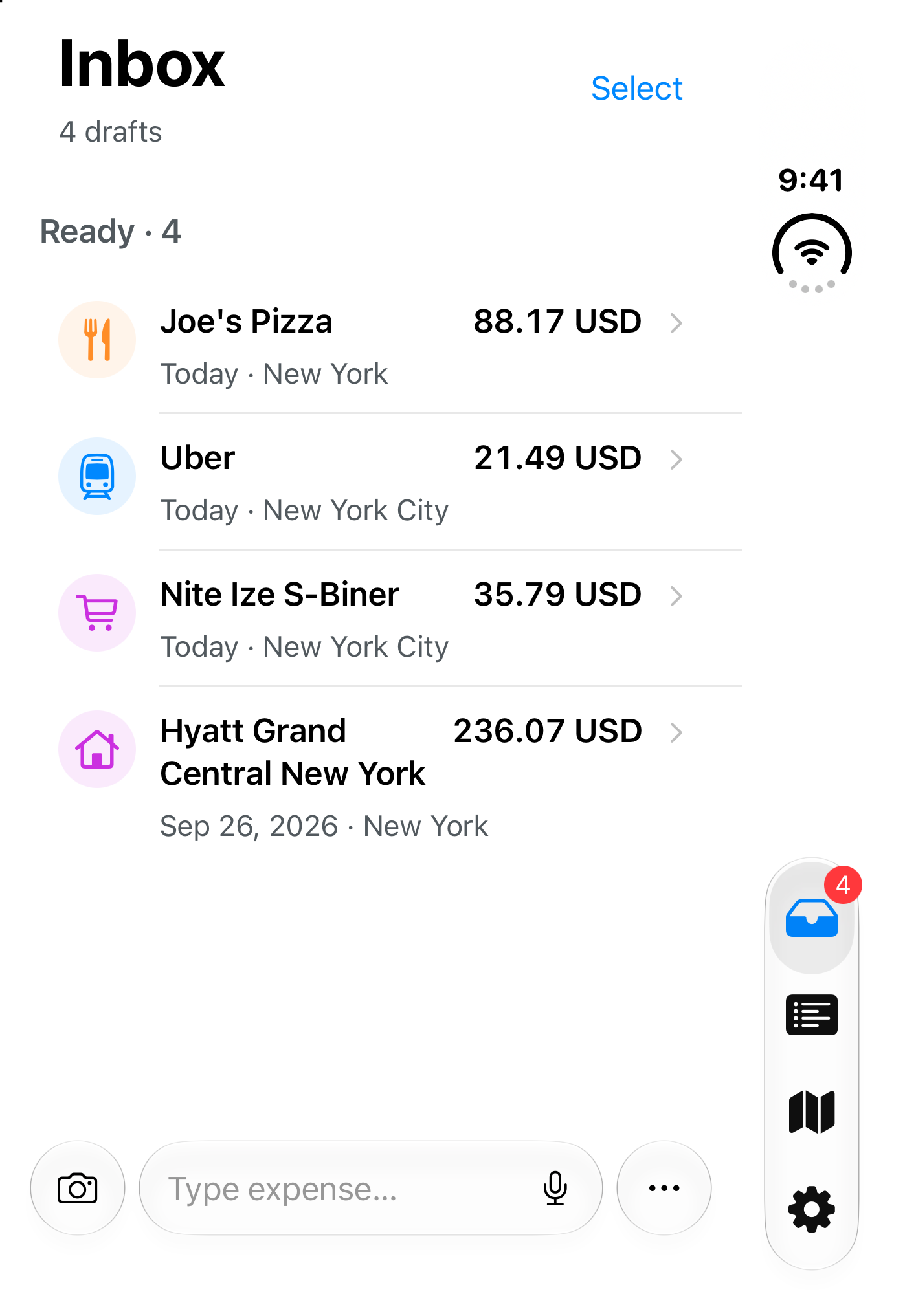
Expense Map proposes the merchant, amount, currency, date, and place. Review and correct only what needs attention.
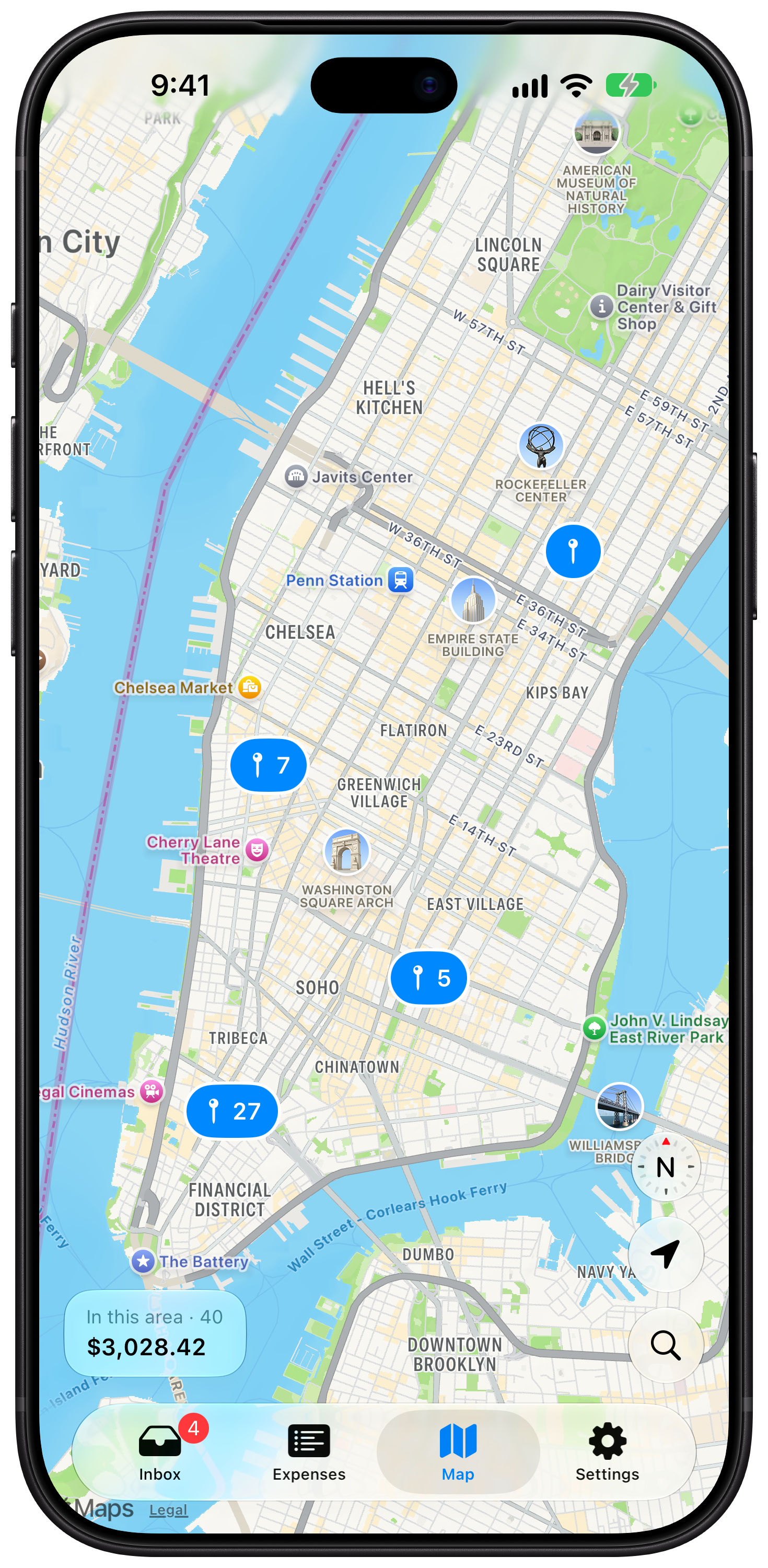
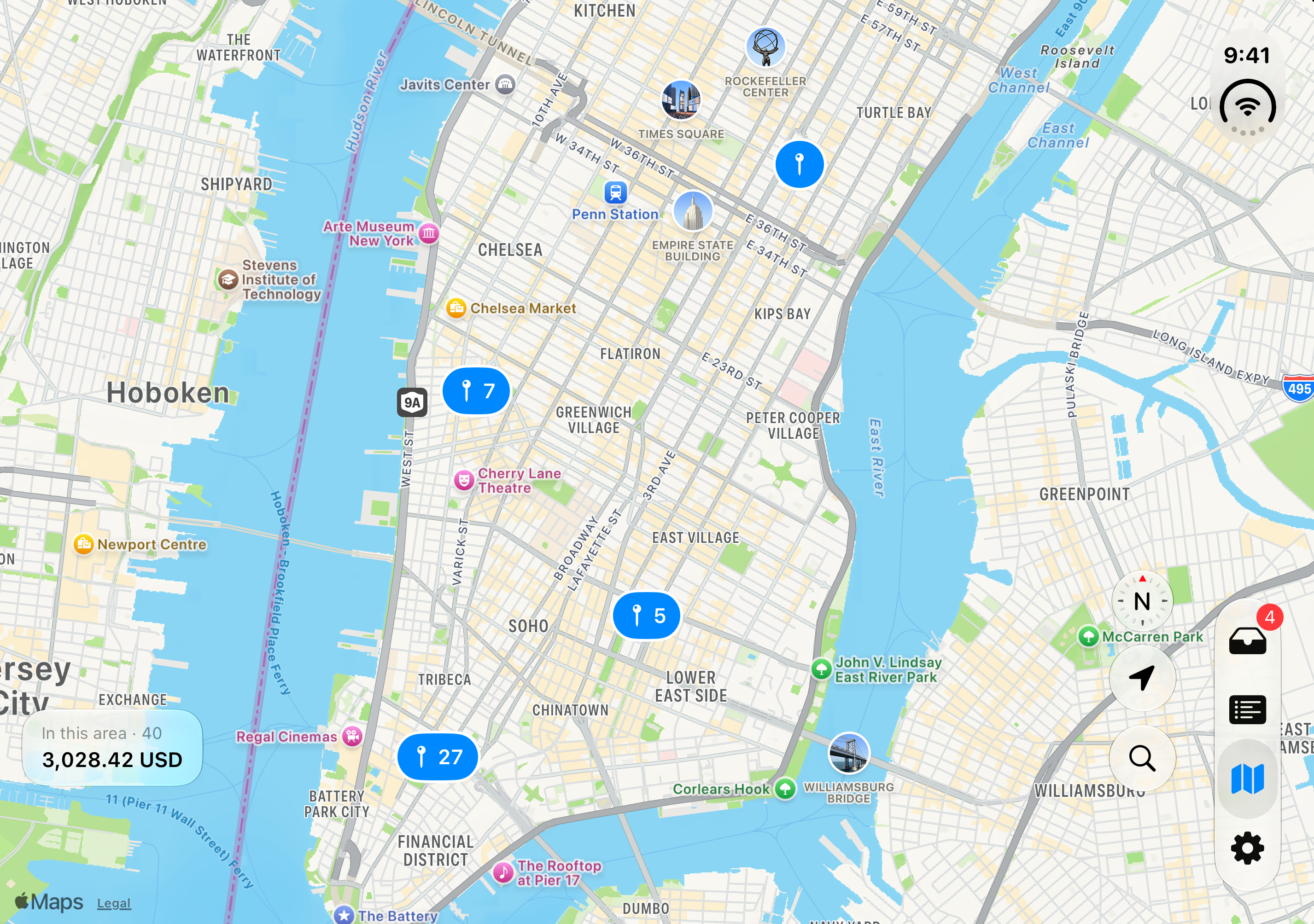
Search your history, browse by date, and see expenses where they happened on the map.
One file at a time
See what Expense Map found before adding anything to your library.
Bring your history along
Import one CSV, TSV, or delimited TXT file at a time. Expense Map checks columns, shows examples, and guides you through dates, currencies, categories, and possible duplicates.
Privacy by choice
No Expense Map account or bank connection is needed. You choose whether to enable iCloud sync and Apple's optional Private Cloud Compute for AI assistance.
Read how your data is handled ↗Simple pricing
Download for free and explore the fictional demo. Start your 14-day trial when you're ready to use your own expenses.
14 days
Try adding and editing personal expenses before deciding.
$9.99 USD
One-time purchase. Keep adding and editing personal expenses after the trial.
$9.99 USD is the U.S. App Store price. Prices vary by country or region.
After the trial, existing expenses remain available to view, export, and delete, even if you don't purchase Full Unlock. More about the trial and purchases ↗
More room to explore
Open the same fictional demo library on the outer display or the larger inner display. Explore the Inbox, Expenses, and New York map at full resolution.
Good to know
Yes. Open the fictional demo library to explore expenses and the map. Your personal library stays separate.
Choose one CSV, TSV, or delimited TXT file at a time. You can check the detected columns, resolve issues, and preview rows before confirming. The file preparation guide includes a sample format.
No. Add expenses from receipts, quick entries, or files that you choose.
Your library starts on your device. If you enable Apple's Private Cloud Compute, Apple can process limited receipt or note text for AI assistance. Apple Maps, exchange-rate lookups, and optional iCloud sync also use network services. Review your choices in Settings and the privacy policy.
Its interpretation stays in the Inbox for your review. You can correct details before approving the expense.
Start exploring
Try the fictional demo, then capture your first expense when you're ready.
Download Expense Map ↗